

Sign Up with WA Connect
Step 1: Sign Up with WA Connect
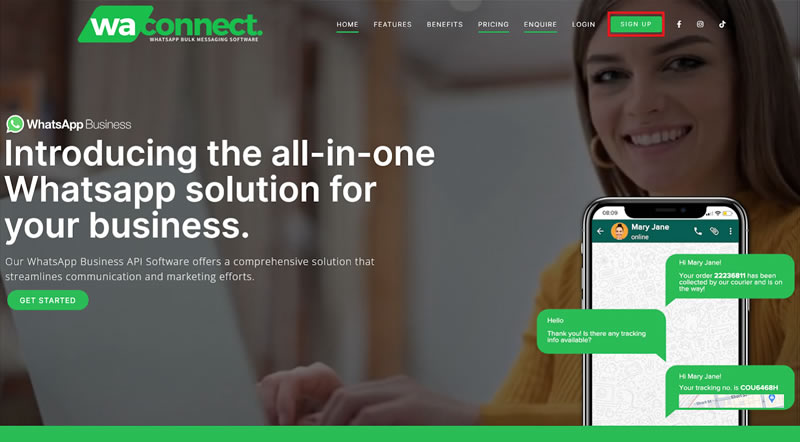
- To register a new account go to https://wa-connect.com/ and click on Signup
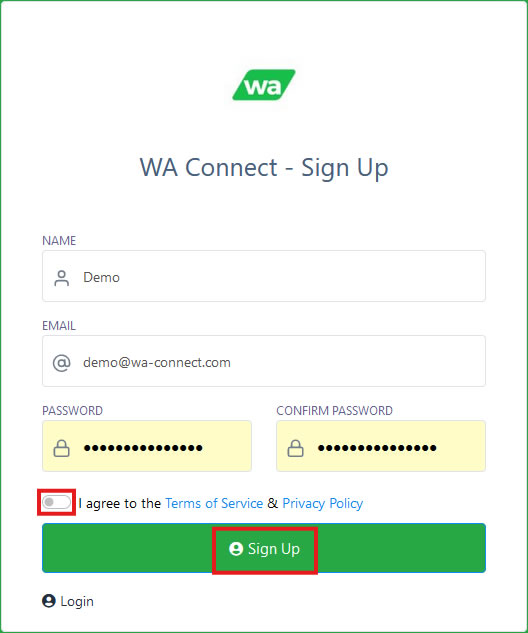
- Complete all the required fields to register your new account. Accept the terms and conditions and click on Sign Up.
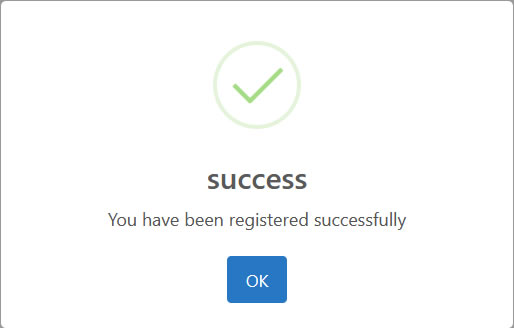
- After clicking on OK you will be redirected to your account. By default you will be signed up for a 7 day free trial account.
- Once logged you need to connect your Meta WhatsApp account – Click Here to see how.
- After your trial period, you will need to upgrade your current plan to a paid plan.
Step 2: Purchasing a subscription / Upgrading your subscription
- In the top right corner, click on the profile image to open a menu.
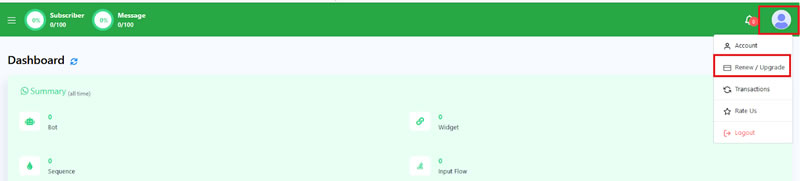
- From this menu, click on Renew/Upgrade
- This will redirect you to a new page that will show the different packages available to you.
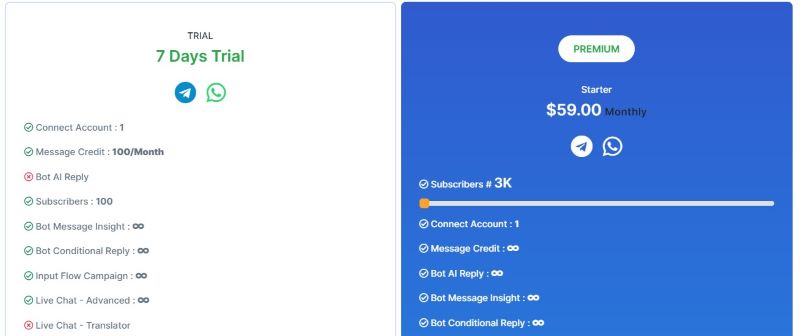
- To view the different package pricing and limits, slide the bar to the right
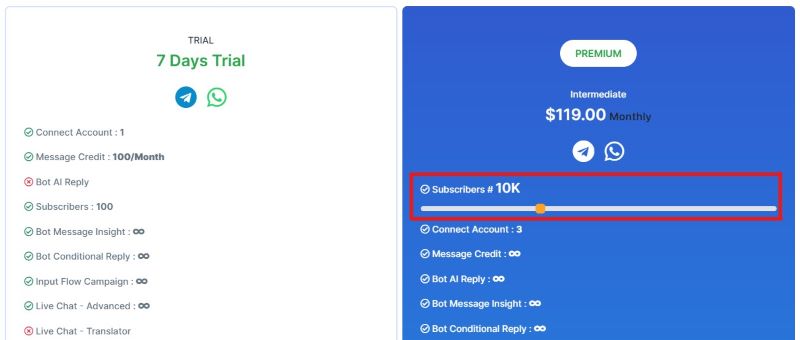
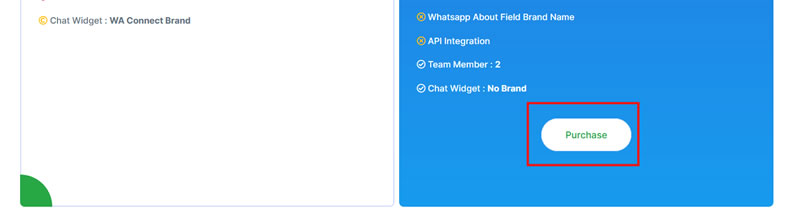
- On selecting the plan most suited for your needs, scroll to the bottom and click on purchase.
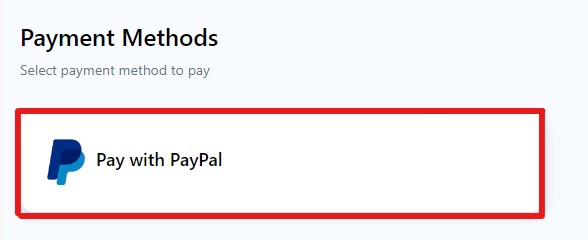
- Select Pay with PayPay to process your subscription payment.
- This will redirect you to the PayPal Payment Gateway Portal. Add your email address and select credit card payment.
- On completion of the payment you will be redirected back to the portal and you will have access to all the features associated with the plan you signed up for.