

User Input Flows
In this section, you will deepen your understanding of User Input Flows, which are essential for collecting user data. Here’s what you can do:
- Review User Input Flow Reports – Access detailed reports to see exactly what data your bot has collected from chat interactions.
- Create Custom Fields – Generate custom fields to be included in User Input Flows, allowing for more tailored data collection.
- Export and Edit Existing Input Flows – Enjoy the flexibility to export and make edits to your existing input flows directly within the input flow settings.
Creating User Input Flows
- Click the Create button to start a new User Input Flow. Refer to the documentation explaining how to create a User Input Flow

- Click the Report button to check user input flow reports.
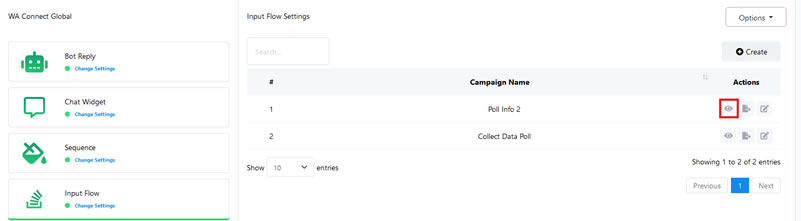
- This will open the list of subscribers that responded to the Input Flow message

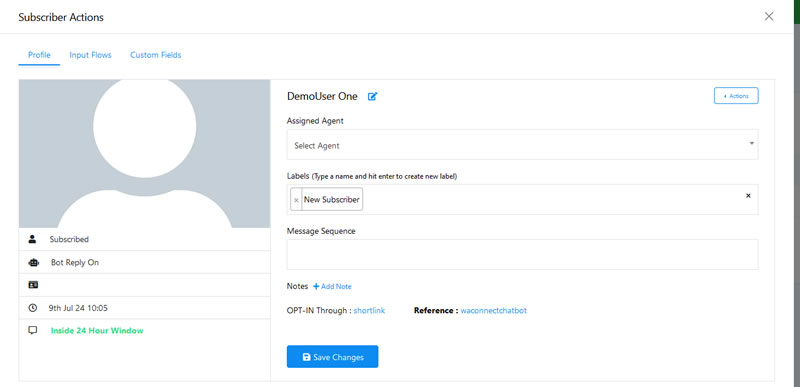
- Click on an action button to open the subscriber’s profile.

- The action button opens the specific subscriber profile.
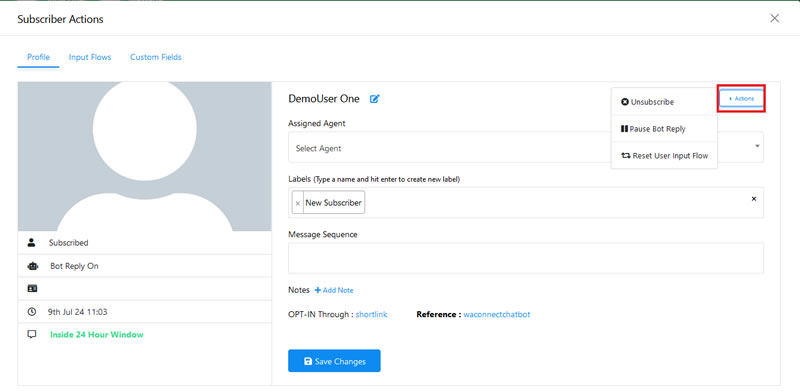
- Click on the Action button in the subscriber profile to unsubscribe a subscriber, pause or resume bot replies, and reset user input flows.
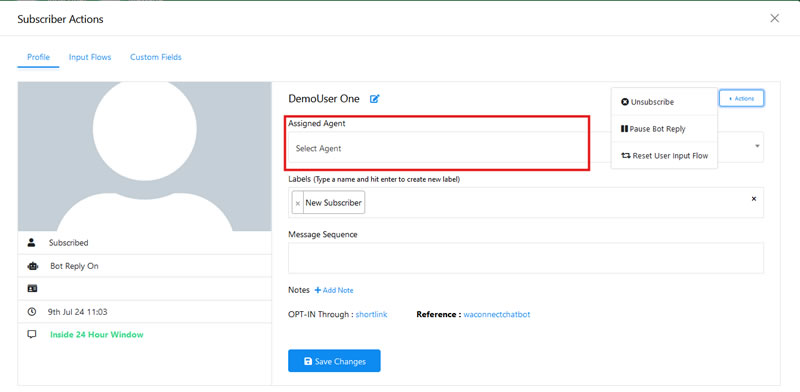
- Use Assigned Agent to assign an agent for real-time communication with subscribers.
- Utilize the Label input field to search for and select existing labels or create new ones.
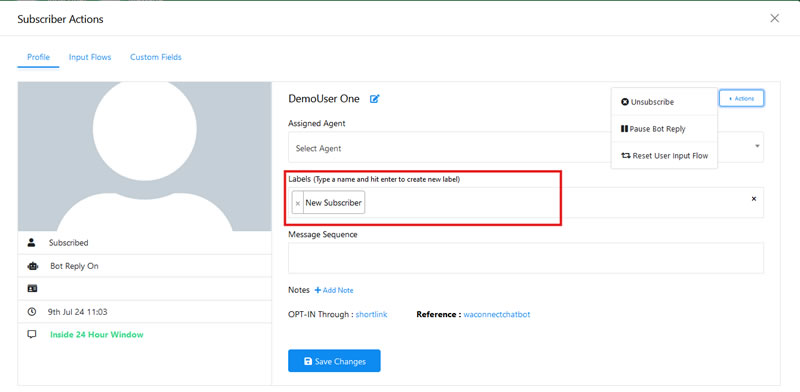
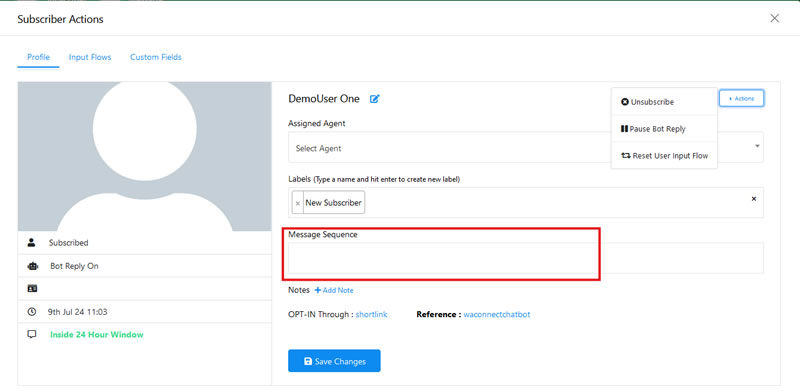
- Choose an existing Message Sequence to send to the subscriber.
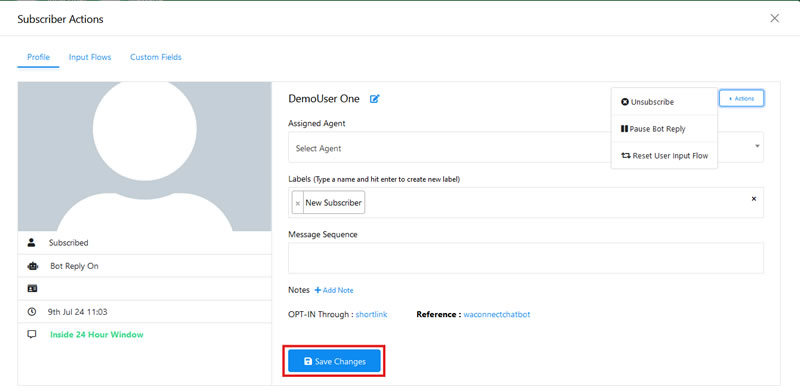
- Remember to click Save Changes to save all your settings.
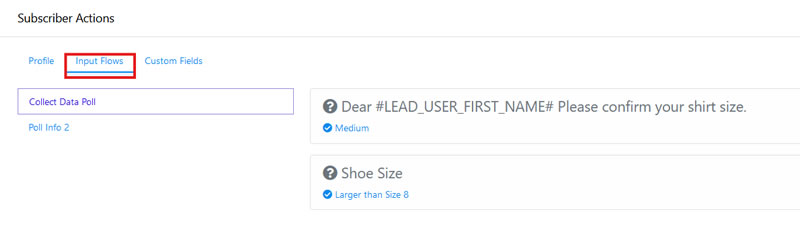
- To view Input Flows associated with a subscriber, click on the Input Flows tab at the top of the profile view.
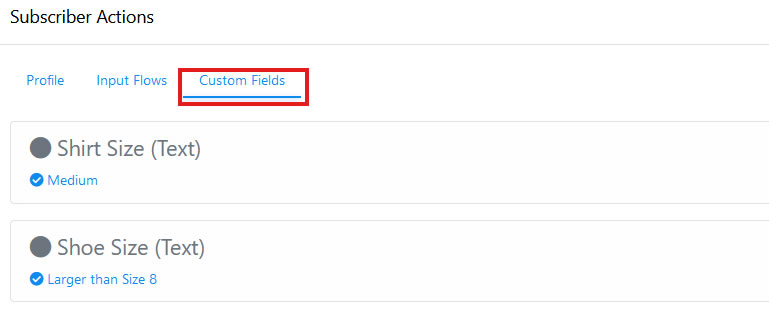
- To view data collected from custom fields, click on Custom Fields.
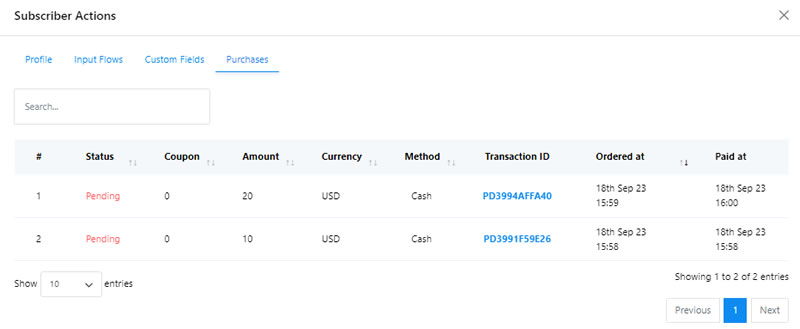
- Click on Purchases to see every purchase made by subscribers.
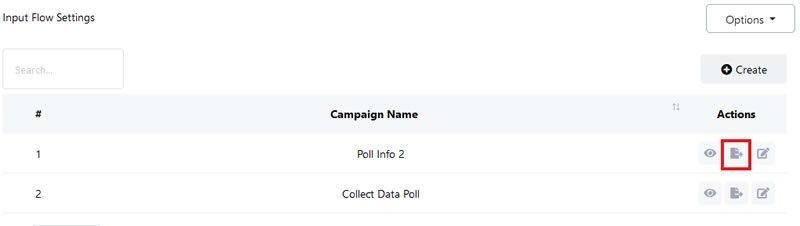
- Click Export Flow Data to download User Input Flow data in .csv format.
- To make changes to a User Input Flow, click Edit.

Custom Fields Management
- Click Create in the Custom Fields section to create a new custom field for User Input Flows.

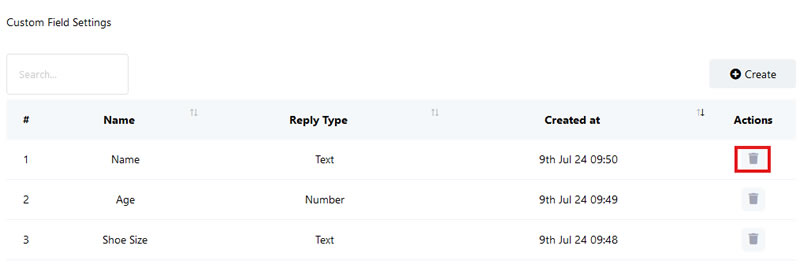
- Use the Delete button to remove existing Custom Fields.
By following these steps, you can manage and utilise User Input effectively Flows to enhance your bot’s data collection and user interaction capabilities.