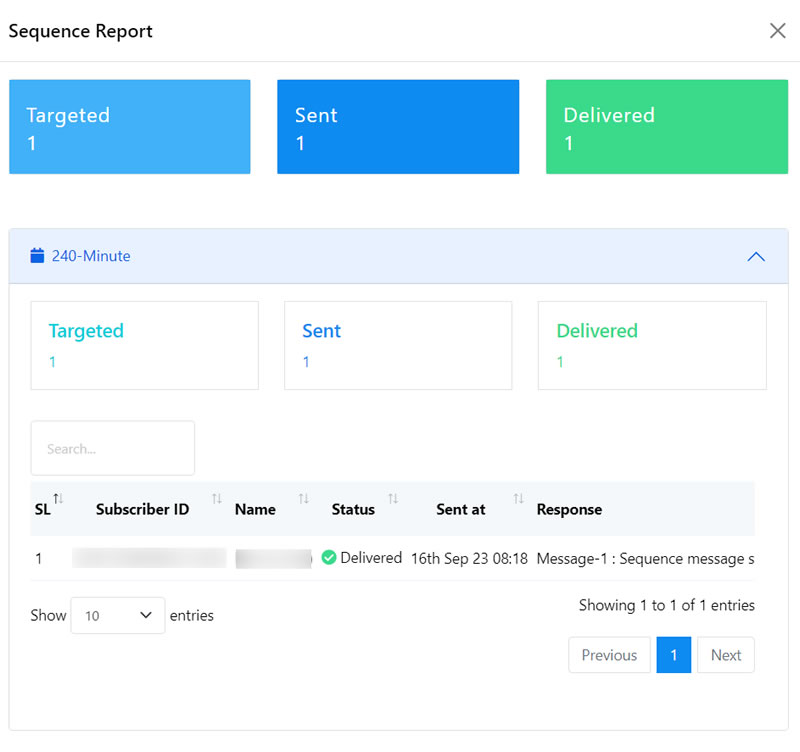

Sequence Campaigns
Create a New Sequence Message Campaign
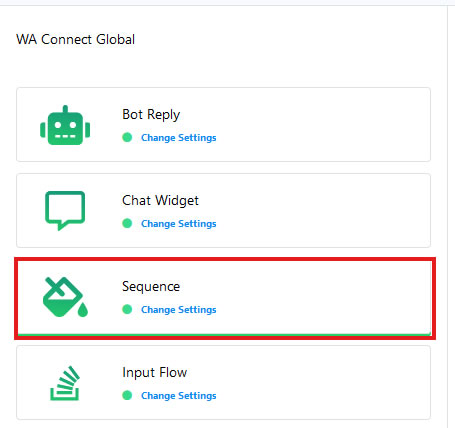
- To create a new Sequence Message Campaign, Go to the Sequence menu.
- Click on the “Create” button.
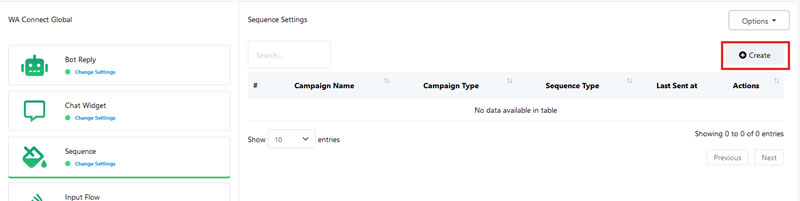
- By following these steps, previously explained in creating a new Sequence Message Campaigns within the WhatsApp Bot Manager.
Access Reports
- Using the Sequence menu on the WhatsApp Bot Manager, you can access reports of the Sequence campaigns and edit them.

- Sample report.